Technical Deep Dive
PC Touch Panels for Control and Monitoring Systems: A Guide to Touchscreen Types
On a factory floor, in a power plant control room, a rail dispatch center, or a hospital monitoring station, operators interact with the whole system through one surface: a touchscreen.
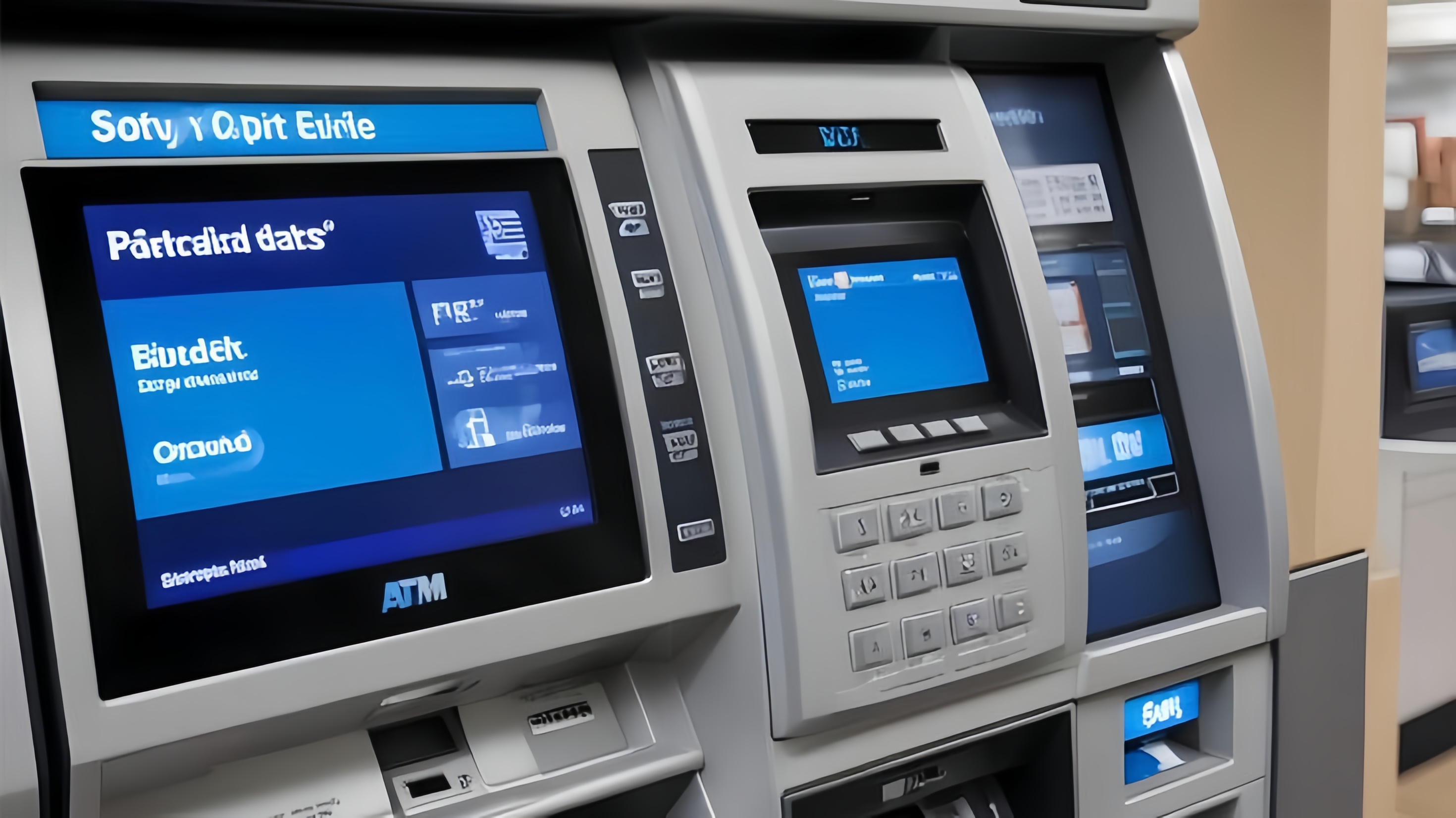
On a factory floor, in a power plant control room, a rail dispatch center, or a hospital monitoring station, operators interact with the whole system through one surface: a touchscreen. It is no longer just a display — it is the primary interface between a person and a control or monitoring system. Choosing the wrong touch technology does not just hurt usability. It leads to false triggers, misreads under real operating conditions, and in the worst case, unplanned downtime.
As a manufacturer focused on industrial touch and display integration, KoreTouch builds PC touch panels for control and monitoring systems where reliability is not optional. This article walks through the main touchscreen technologies, explains why projected capacitive (PCAP) touch has become the standard choice for industrial panel PCs, and outlines what to specify when selecting one for your application.
The main touchscreen technologies
Resistive touch
A resistive touchscreen uses two conductive layers that make contact when pressed. It is low cost, works with any object — bare finger, gloved hand, or stylus — and is largely unaffected by water or electromagnetic noise. The trade-offs are lower optical clarity, no multi-touch support, and a membrane that wears out under repeated pressure. It still appears on cost-sensitive, single-touch legacy equipment, but it has largely been superseded in modern control and monitoring systems.
Surface acoustic wave (SAW)
SAW touch reads ultrasonic waves traveling across the glass surface and detects where a touch absorbs the signal. Optical clarity is excellent, but the technology is sensitive to surface contamination — dust, oil film, or standing water can all cause misreads, which limits its fit in dirty or wet industrial environments.
Infrared (IR)
Infrared touch places emitter and receiver pairs around the bezel and detects a touch as an interruption in the light grid. Because nothing sits on top of the glass, it resists scratching and lasts a long time, which is why it shows up on large-format digital signage and public information displays. The trade-offs are a thicker bezel and sensitivity to strong ambient light and dust buildup.
Surface capacitive
Surface capacitive touch senses position through a uniform electrostatic field generated from electrodes at the corners of the screen. It is stable but, like resistive touch, does not support true multi-touch, and has largely been replaced by projected capacitive designs.
Projected capacitive (PCAP)
PCAP is the technology behind nearly every smartphone and tablet, and it is now the standard choice for PC touch panels in control and monitoring systems.
Under the cover glass sits a transparent electrode grid, typically indium tin oxide (ITO) or a metal mesh. The controller drives the grid to create an electrostatic field, and when a conductive object such as a finger approaches, it changes the capacitance at the nearest nodes. Because the controller scans and reads every node independently, PCAP naturally supports multi-touch and gesture input.
Industrial-grade PCAP controllers go a step further by reading two related signals together:
- Self capacitance, measured between a single electrode and ground, which is sensitive enough to pick up the weaker signal from a gloved hand.
- Mutual capacitance, measured between a row and a column at each node, which delivers precise, independent multi-touch and cleaner discrimination between a real touch and interference.
Reading both signals together is what allows an industrial controller to tell a fingertip apart from a film of water — and it is the foundation for the field-hardening features described below.
Why consumer-grade touch fails in industrial settings
Move a consumer touchscreen onto a plant floor, outdoors, or into a wet environment, and a predictable set of problems shows up:
- False touches from water. Water is conductive, so a naive controller reads a splash or a wet wipe-down as a touch, producing ghost input or blocking real commands.
- No response through gloves. A glove adds distance between the finger and the glass and weakens the capacitive signal, so a screen tuned only for bare-finger use simply misses the touch.
- Incompatibility with thick or toughened glass. Public and industrial installations often need thicker or chemically strengthened cover glass for impact and vandal resistance, and a standard controller cannot project a strong enough field through it.
- Signal drift from electrical noise. Motors, drives, inverters, and welders fill a plant with electromagnetic interference that can cause jitter or phantom touches.
KoreTouch's industrial PCAP implementation addresses each of these directly. Wet-touch operation is achieved by distinguishing the broad, diffuse signal pattern of a water film from the localized signature of a real touch, using self and mutual capacitance data together. Glove-touch support comes from raising sensitivity and detection thresholds for weaker signals. Touch tuning is matched to the specific cover glass thickness and type on each project. And EMI resilience is built in through a shielding layer, signal filtering, and frequency hopping in the controller, so the touch signal stays clean in a noisy electrical environment.
Reliability comes from the whole stack, not just the controller
A touch panel that holds up in a control or monitoring system depends on the full layered assembly — surface treatment, cover glass, bonding layer, PCAP sensor, and LCD — working together, not on the touch controller alone.
Surface treatment. Anti-reflective (AR), anti-fingerprint (AF), and anti-glare (AG) coatings keep the screen legible and clean under continuous use, and Mohs 7 hardness tempered glass resists scratching.
Optical bonding. Filling the air gap between the cover glass and the LCD with a clear optical adhesive removes internal reflections, improves outdoor readability and contrast, adds impact resistance, and — critically — stops moisture from condensing and dust from settling inside the display stack. KoreTouch performs optical bonding with Wacker silicone LOCA in a Class 1,000 cleanroom, which is what prevents the hazing, blotching, and yellowing that retire so many industrial panels early.
Case study: the KoreTouch 15.6-inch Windows panel PC
The KoreTouch STI-156CTPCW-Win illustrates what a complete industrial PC touch panel looks like in practice.
| Display | 15.6", 1366 × 768 WXGA, 16:9, 16.2M colors, 500 cd/m² standard (up to 1,500 cd/m² optional) |
|---|---|
| Touch | PCAP 10-point multi-touch, wet-touch and glove-touch, tempered glass (AR/AF/AG optional, Mohs 7 hardness) |
| Processor | Intel Celeron J6412 quad-core (Core i3/i5/i7 optional) |
| Memory / storage | DDR4 4 GB + 64 GB SSD standard (configurable) |
| Operating system | Windows 7/8/10/11 or Linux |
| Networking | Gigabit Ethernet, Wi-Fi, Bluetooth |
| I/O | 1× HDMI, 1× VGA, 4× USB, 1× RJ45, audio in/out, 2× RS232, DC input |
| Protection / build | IP65 front, IP40 rear, aluminum housing |
| Environment | Operating 0–60 °C, storage −20–60 °C, 10–90% RH non-condensing |
Two design choices stand out. First, the unit keeps two RS232 serial ports — a detail that matters in practice, since a great deal of industrial equipment, from PLCs to scales and barcode hardware, still communicates over serial. Dropping it, as many modern devices do, forces awkward adapters; keeping it lets the panel PC slot into existing lines without rework. Second, the platform scales from a Celeron processor up to Core i3/i5/i7, and the OS support spans Windows 7 through 11 as well as Linux — so the same hardware can run software validated years ago or drop into a Linux-based control stack without a rewrite.
Typical deployments include:
- Factory HMI and MES terminals for line-side control, work instructions, and production dashboards.
- Self-service kiosks and retail POS, where sealed, glove-capable input matters in public or semi-public settings.
- Warehouse and logistics stations, where dust and constant handling are the norm.
- Edge gateways, combining serial, LAN, and wireless connectivity at the edge of the line.
What to specify when selecting a PC touch panel
When evaluating a touchscreen for a control or monitoring system, define these points up front:
- Touch modes required — bare finger, wet, glove, stylus, or a combination.
- Cover glass thickness and type, since touch tuning depends directly on it.
- The electrical environment, so EMI shielding and filtering can be matched to it.
- Sealing and IP rating for the front face, based on washdown, splash, or particulate exposure.
- Number of simultaneous touch points and gesture requirements.
- Interface compatibility, particularly whether legacy serial ports are needed for existing PLCs or peripherals.
- Operating temperature range and enclosure requirements for outdoor, wide-temperature, or high-vibration installations.
Key takeaways
- Resistive, SAW, infrared, and surface capacitive technologies each have a niche, but projected capacitive (PCAP) is now the standard for industrial PC touch panels.
- Reading self and mutual capacitance together is what lets an industrial PCAP controller support wet-touch and glove-touch operation while rejecting false input.
- Field reliability depends on matching the cover glass, sensor, and controller as one tuned system — not on the touch controller in isolation.
- Optical bonding and surface treatment are as important to long-term durability as the touch sensor itself.
- A well-specified panel PC, like the KoreTouch STI-156CTPCW-Win, pairs industrial PCAP touch with sealing, wide-temperature design, and legacy I/O so it fits real production environments.
Work with KoreTouch
Designing or upgrading a control or monitoring system that needs a touchscreen built for the real conditions on your floor? Explore the KoreTouch product range, learn more about optical bonding, or reach out directly at sales@koretouch.com — our engineering team can help translate your I/O, cover glass, and environmental requirements into a tuned touch and display solution.