Engineering Excellence
Rackmount Industrial Computers vs. Commercial PCs: An Engineering Perspective from KoreTouch
A rackmount industrial computer and a commercial PC can both run Windows, both connect to a network, and both take a hard drive. On paper, they can look like the same category of hardware.
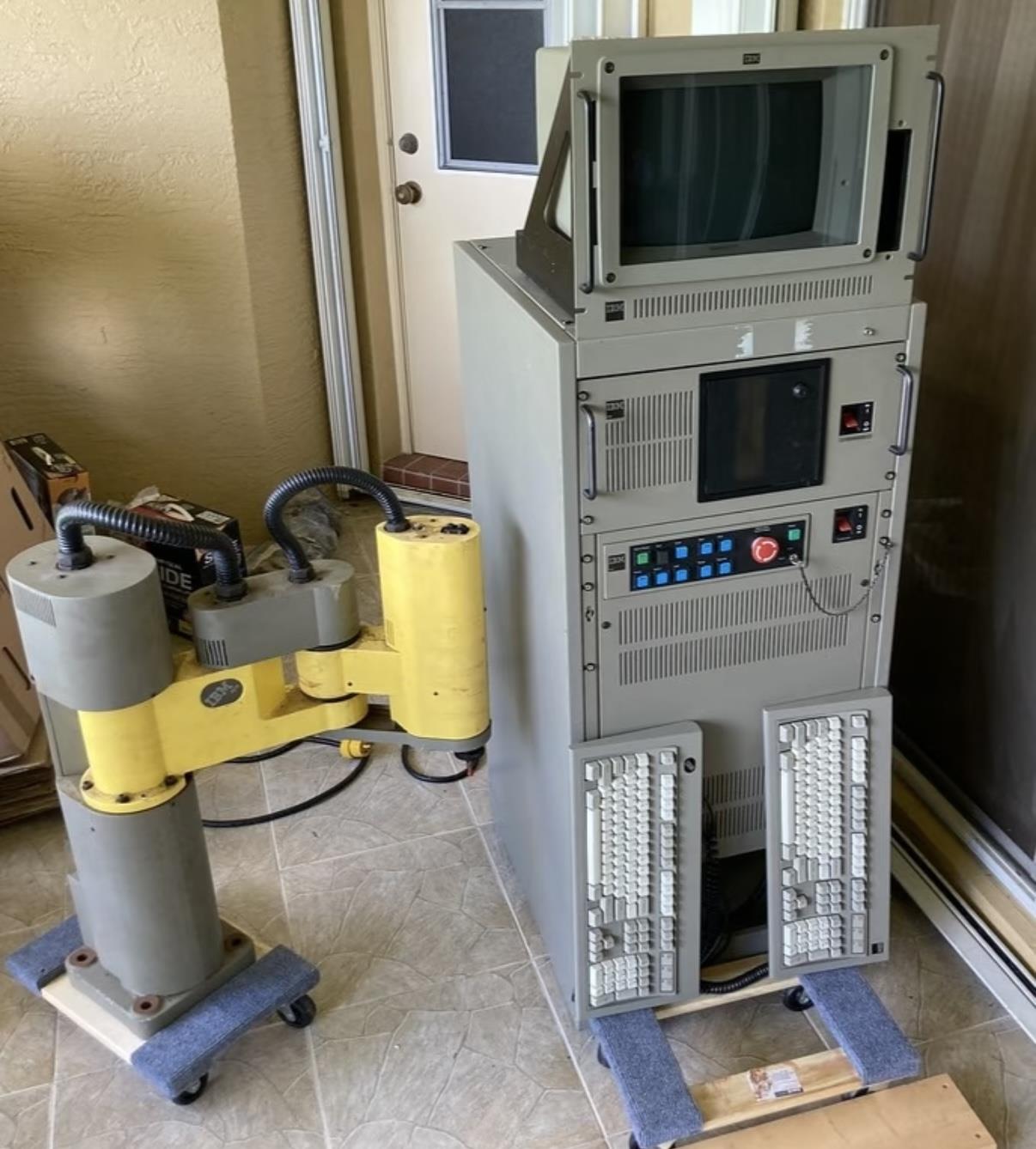
A rackmount industrial computer and a commercial PC can both run Windows, both connect to a network, and both take a hard drive. On paper, they can look like the same category of hardware. What actually separates them is who they were built for, and what environment they are expected to keep working in. One is designed for a control cabinet on a production line. The other is designed for a desk in an office. At KoreTouch, that distinction is the starting point for every industrial display, industrial touch panel PC, and industrial computing platform we engineer. Get the environment right first, and selection stops being a spec-sheet and price comparison.
1. Different Design Goals: Built for Continuous Operation
Commercial computers are built around cost-efficiency, appearance, and peak performance, which suits an air-conditioned office running eight hours a day. A rackmount industrial computer has a narrower, more demanding brief: fit into a standard 19-inch rack and keep running 24/7 in dust, vibration, wide temperature swings, and electromagnetic interference. Chassis height is measured in rack units (U), typically 1U to 4U, which makes centralized deployment, cable management, and fast swap-outs straightforward.
So a rackmount industrial computer is not competing on thinness or entertainment-grade performance. It is competing on how rarely it goes down. The cost of a single production-line stoppage usually dwarfs whatever was saved by buying cheaper commercial hardware up front. This is the same principle that drives KoreTouch's approach to industrial touch panel PCs and display terminals: the value of a device isn't on its spec sheet — it's in whether it can run quietly, on the factory floor, for its full designed service life.
2. Structural and Environmental Differences
Commercial enclosures are typically thin sheet metal or plastic, with generous ventilation holes that let fans pull dust straight into the interior. Drives and connectors tend to work loose under vibration, and operating temperature is usually limited to roughly 0 °C to 40 °C, with no industrial-grade dust, water, or EMC protection.
A rackmount industrial computer uses a heavier-gauge metal chassis built to rack-mount standards. Internal cards are often secured with retaining bars to resist vibration, storage is predominantly solid-state, and connectors are more robust. Cooling ranges from fanless passive designs to reinforced active cooling, and wide-temperature models can run from -20 °C to 60 °C or beyond. Facing the electrical noise generated by VFDs and motors, EMC design is far more complete. Put a commercial PC on the same factory floor or in the same control cabinet, and it typically fails in a predictable sequence: dust accumulates, thermal margins erode, and the system locks up. An industrial computer is engineered from the chassis up to stay online continuously.
This mirrors what KoreTouch has learned building industrial touch displays. When we address electromagnetic interference, we combine a shielding layer in the touch stack, signal filtering, and frequency-hopping at the controller level, so the touch signal stays clean even in a noisy environment full of VFDs, motors, and welders. That's the same engineering logic behind EMC design in rackmount industrial computers: identify the interference source first, then resolve it across structure, shielding, and algorithm — not by simply over-building the hardware.
3. Different Interfaces, Power, and Maintenance
Commercial computers rely mainly on USB, HDMI, and standard Ethernet, and assume stable mains power. That's fine for office use, but falls short the moment you need to connect directly to a PLC, sensor array, or serial instrument.
A rackmount industrial computer is built around industrial-grade connectivity: multiple RS-232/422/485 serial ports, Gigabit or 2.5G Ethernet, GPIO, CAN bus, and PCIe expansion slots for adding data acquisition cards, motion control cards, or vision cards. Power input is commonly wide-range DC, with over-voltage, over-current, and surge protection built in to handle field voltage fluctuations. Watchdog timers, power-loss auto-restart, and modular card slots make unattended operation and field maintenance considerably easier.
4. Different Lifecycle and Reliability
Commercial motherboards and systems iterate quickly — often discontinued within a year or two, taking spare parts and drivers with them. Rackmount industrial computers typically come with much longer supply commitments, commonly 5 to 10 years, which lets production equipment and its software stay locked to the same hardware platform for the long haul. Mean time between failures (MTBF) is also significantly higher, because component selection, structural design, and testing standards are all built around continuous industrial operation rather than intermittent office use.
Upfront, industrial computers usually cost more. But once downtime, replacement costs, and software re-validation are factored in, total cost of ownership is frequently lower. Running a commercial PC on an industrial floor may look like a saving on paper — in practice, it just shifts the risk onto the production line.
This same principle shows up across KoreTouch's industrial panel PC line: from optical bonding performed in a Class 1,000 cleanroom with Wacker silicone LOCA, to sealed, ruggedized structural design, every step is aimed at extending field service life — not at shaving cost to the point where the customer inherits the problem.
5. How to Choose
For offices, labs, and general information-system use, a commercial computer is usually sufficient. For control rooms, cabinets, data acquisition, machine vision inspection, and automated monitoring — any application that has to stay online long-term and interface directly with field devices — a rackmount industrial computer is the right call.
Rather than comparing benchmark scores, work through selection in this order:
- Rack space — how many U of mounting height are needed, and does it match your existing cabinet standard.
- Environmental conditions — temperature range, dust level, vibration intensity, and electromagnetic interference.
- Interface requirements — number of serial ports, Ethernet speed, expansion slot type, and power input (AC or wide-range DC).
- Supply lifecycle — can the vendor commit to 5+ years of consistent supply and long-term technical support.
- Supplier engineering capability — has the structural design and EMC testing actually been validated for industrial conditions, or is it simply a commercial motherboard dropped into a metal enclosure.
Get the form factor and the environmental fit right, and a rackmount industrial computer genuinely functions as the stable core of your control cabinet — rather than an office PC that happened to get moved onto the shop floor and is waiting to fail.
Work with KoreTouch
Whether you need a rackmount industrial computer, an industrial touch panel PC, or a custom industrial display solution, our team can match the engineering to your field conditions. Contact sales@koretouch.com.