Engineering Excellence
Why Outdoor Touchscreens Fear Direct Sunlight and Metal Enclosure Heat Buildup
Direct sunlight and metal enclosure heat are not two separate outdoor-display problems — they compound each other.
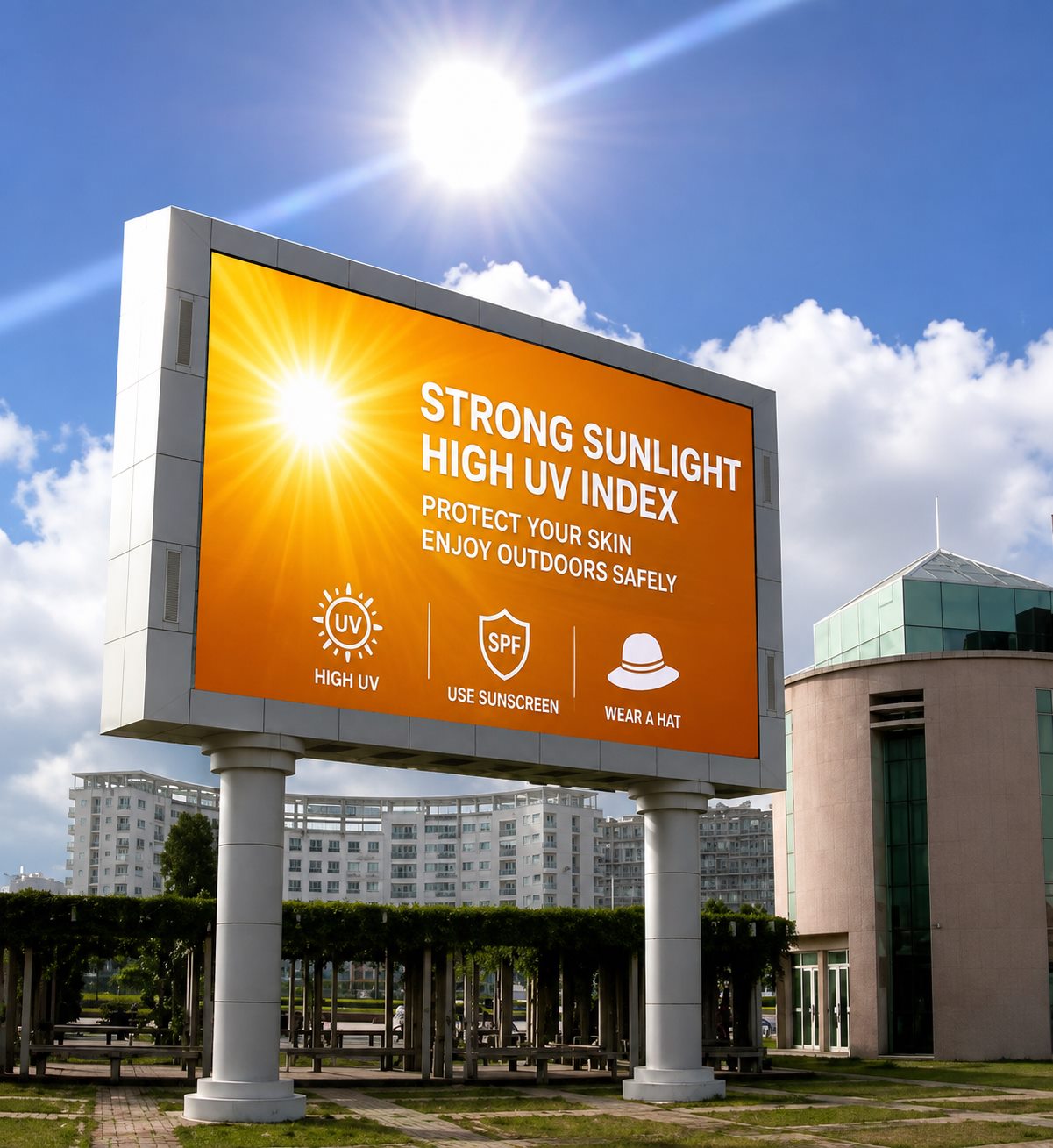
In outdoor kiosks, fuel dispenser terminals, traffic and transit displays, warehouse workstations, and solar/wind monitoring cabinets, outdoor touchscreen direct sunlight exposure is almost always the first obstacle a project has to clear. Many buyers focus on brightness specs and IP ratings during selection, but overlook a critical fact: direct sunlight and metal enclosure heat buildup are not two separate problems — they compound each other. This article breaks down why, using standard industrial display engineering principles alongside KoreTouch's practical approach to optical bonding and enclosure design.
Part 1: Why Direct Sunlight Is the Enemy of Outdoor Touchscreens
1. Glare and a "cliff-edge" drop in contrast. Traditional air-bonded (frame-bonded) displays leave an air gap between the cover glass and the LCD module. Glass has a refractive index of roughly 1.5, while air sits at 1.0. Light crossing this mismatched boundary produces Fresnel reflection at each interface. In an air-bonded stack, light passes through two such glass-to-air boundaries, adding up to a total surface reflection of about 4.5–5%. Under strong ambient sunlight, that reflected light stacks on top of the actual image, and contrast collapses to the point where the screen becomes almost unreadable — this is the most visible symptom of outdoor touchscreen direct sunlight failure.
2. Internal fogging and optical degradation. That same air gap behaves like a small greenhouse. It heats up under daytime sun and cools rapidly at night, which can cause condensation to form on the inside of the cover glass. Repeated thermal cycling like this also accelerates seal aging over time, increasing the risk of edge moisture ingress or delamination.
3. Touch stability under heat. Projected capacitive (PCAP) touch relies on detecting small changes in capacitance. When surface temperatures climb under direct sun, the signal-to-noise ratio at the touch controller can be affected. Without a mature detection algorithm, this can show up as drift, ghost touches, or sluggish response — exactly when reliability matters most.
Part 2: Where Does the Heat Actually Accumulate in a Metal Enclosure?
Once the optical side of the sunlight problem is addressed, the second unavoidable challenge is structural heat management. Outdoor all-in-one units are typically built with metal (aluminum or stainless steel) enclosures for waterproofing, dust resistance, and impact protection — but metal is a double-edged sword:
- Fast to heat, fast to hold heat. Metal surfaces under direct sun can reach temperatures well above ambient, and that heat conducts steadily inward.
- Higher sealing ratings make heat harder to shed. To hit an IP65 front-panel rating, the chassis is usually fully sealed, so there's no option to vent like a standard PC. If the design is also fanless, heat can only escape through passive conduction and radiation from the structure itself.
- Heat concentrates around the components that matter most. The motherboard, CPU, touch controller, and LCD backlight all face a double load — ambient heat plus their own operating heat — and sustained high temperatures accelerate capacitor aging and backlight degradation, shortening the unit's service life.
In short: sunlight determines how much heat and glare the front of the display has to deal with, while the metal enclosure determines whether that heat can actually get out. The overlap of these two factors is where outdoor display engineering gets genuinely difficult.
Part 3: How KoreTouch Addresses Both — From Optical Bonding to Structural Cooling
1. LOCA full lamination: cutting reflection at the source. To counter sunlight-driven glare, KoreTouch uses liquid optical clear adhesive (LOCA) to fully bond the cover glass to the touch sensor and LCD, filling the air gap with a medium whose refractive index (~1.49) closely matches glass. Instead of two glass-to-air boundaries producing 4.5–5% reflection, a fully bonded stack keeps internal reflection under 1%, and outdoor contrast can improve by several times over — sometimes more than tenfold — keeping the display legible under direct sun.
This is done inside a Class 1,000 cleanroom, through a controlled process:
- Plasma surface treatment — alters the glass surface energy to improve adhesive wetting and long-term adhesion, preventing delamination.
- Vacuum lamination — dispensing and initial pressing take place inside a sealed vacuum chamber, preventing air from becoming trapped in the adhesive layer.
- Autoclave defoaming — after UV pre-curing locks components in place, the panel goes through an autoclave under heat and pressure, dissolving any remaining microscopic bubbles for full optical clarity.
Cover glass can also be specified with AR (anti-reflective), AF (anti-fingerprint), and AG (anti-glare) surface treatments, combined with Mohs 7 hardness tempered glass — adding scratch resistance and cleanability on top of sunlight readability.
2. Structural cooling: making the metal enclosure conduct heat, not trap it. To address metal enclosure heat buildup, KoreTouch pairs an aluminum front bezel with a metal rear enclosure. On the 23.8-inch industrial panel PC, for example, total chassis depth runs about 55 mm, leaving enough internal clearance for a fully fanless, passive cooling layout — heat is conducted and radiated out through a generous metal surface area rather than pushed out by forced airflow. This avoids the failure risk of fans running long-term in hot, dusty environments (and the risk of drawing in conductive dust), while allowing the unit to run continuously across a 0–50 °C operating range for 24/7 duty.
The front panel typically achieves an IP65 rating against splashes and dust, while the rear carries an IP40 rating — a practical engineering balance between sealing and heat dissipation.
3. Touch performance that doesn't suffer from heat, sweat, or gloves. Outdoor operators often have wet hands (rain, sweat) or are wearing gloves (construction, logistics, cold climates). KoreTouch's PCAP touch supports 10-point multi-touch with wet-touch and glove-touch capability. By reading self- and mutual-capacitance data together, the controller distinguishes a real finger touch from water film or sweat, keeping touch response stable even in hot, humid outdoor conditions.
Part 4: What to Check When Sourcing a Sunlight-Ready Outdoor Touchscreen
When evaluating whether an outdoor touchscreen or panel PC can genuinely handle both direct sunlight and metal enclosure heat, confirm at minimum:
- Bonding structure — full optical bonding versus standard frame bonding, and which adhesive and refractive index are used.
- Brightness and surface treatment — high-brightness panel combined with AR/AG coatings for real-world sunlight visibility.
- Enclosure material and cooling path — metal thickness, fanless vs. fanned design, and whether the rated operating temperature range covers your climate.
- Ingress protection — IP65 minimum on the front face, with rear protection matched to the installation environment.
- Touch modes — wet-touch and glove-touch support, plus real-world data on touch stability at elevated temperatures.
Conclusion
Outdoor touchscreen direct sunlight and metal enclosure heat buildup may look like two separate environmental issues, but they're really two sides of the same engineering problem: keeping a display clearly visible and reliably touch-responsive under sustained light and heat stress. That requires a systems-level approach — optical bonding process, cover glass treatment, enclosure cooling path, and IP rating — rather than any single spec on its own.
If you're sourcing an outdoor kiosk, transit display, energy monitoring panel, or any other display for a harsh environment, tell us about your application, installation climate, and required protection rating. The KoreTouch engineering team can recommend an optical bonding and enclosure cooling configuration for your industrial panel PC or industrial display project.
Get in touch: sales@koretouch.com — we'd welcome the chance to discuss your project.