Solutions
Outdoor Touchscreen High-Temperature False Touch, Drift, and Failure: Root Causes and Engineering Fixes
Phantom taps, wandering coordinates, and summer lockouts are not random wear. They are a systems problem across the PCAP stack, the air gap, and the enclosure.
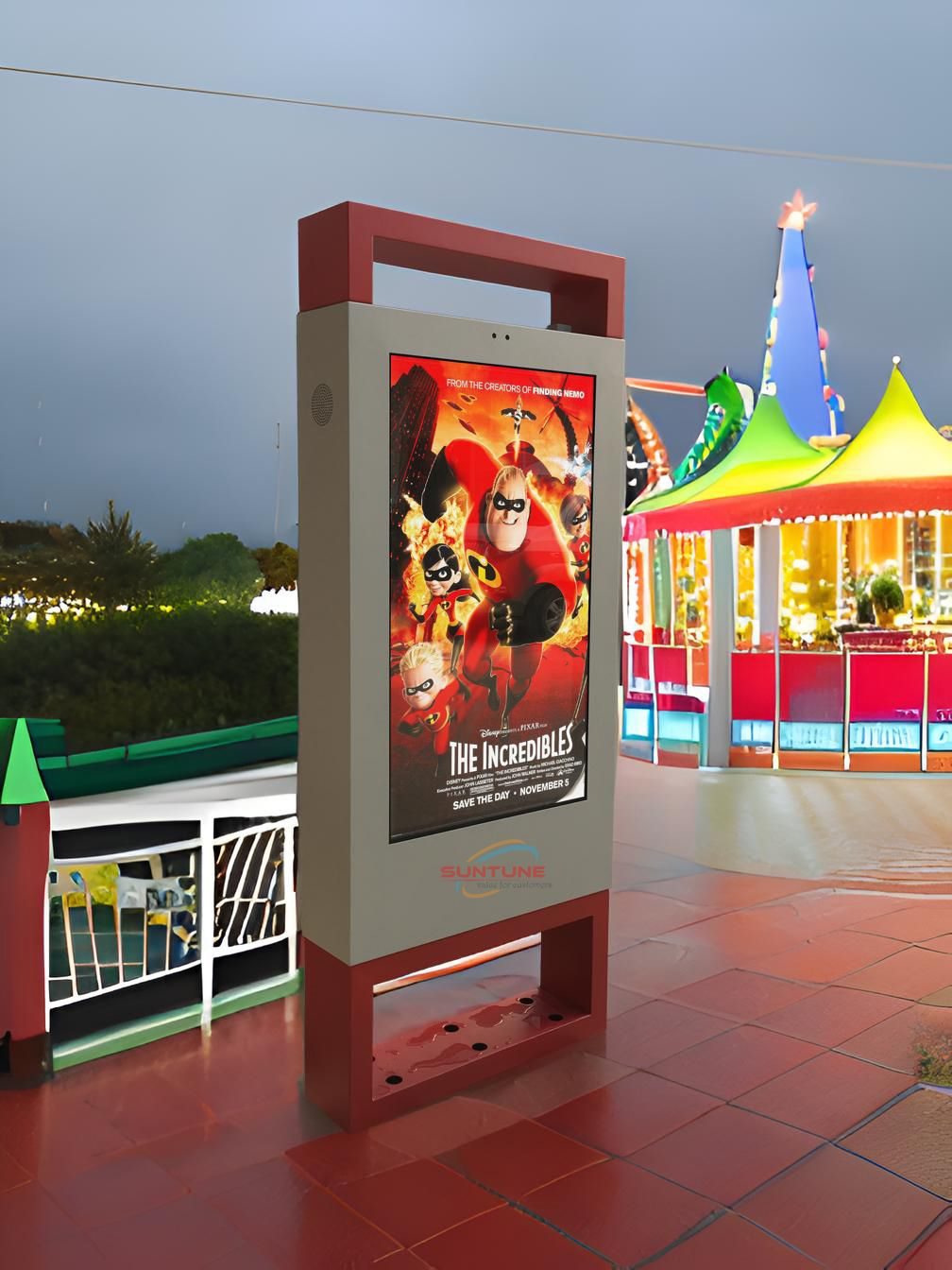
Summer heat and direct sun exposure turn one recurring complaint into a seasonal certainty for self-service kiosks, transit information terminals, and outdoor POS all-in-ones: outdoor touchscreen high-temperature false touch. At its mildest, it shows up as misregistered taps or clicks landing on the wrong button. At its worst, the entire panel stops responding. For system integrators and equipment operators, outdoor touchscreen high-temperature false touch is not a rare edge case — it is a predictable line item in every summer's field-support budget.
This article works from how projected capacitive (PCAP) touch actually senses a finger, breaks down the three distinct failure modes behind outdoor touchscreen high-temperature false touch — false touch, drift, and total failure — and explains, through the lens of industrial touch engineering, how the problem is solved at the material, structural, and firmware level rather than patched after the fact.
Why Outdoor Touchscreen High-Temperature False Touch Is a Systems Problem
A PCAP touchscreen senses a finger through a transparent electrode grid — usually indium tin oxide (ITO) or a metal mesh — placed under the cover glass. The controller drives these electrodes to project a small electrostatic field. When a conductive object approaches, it draws off a tiny amount of charge and shifts the capacitance at the nearest nodes; the controller scans the grid, measures where and by how much capacitance changed, and calculates a touch coordinate. Indoors, at stable temperature and humidity, this works reliably. Move the same stack outdoors, and sun exposure, day-to-night temperature swings, and fluctuating humidity act simultaneously on every layer of the display. A shift in any single layer's physical properties shows up in the final touch signal. That is why outdoor touchscreen high-temperature false touch so often presents as a compound failure rather than a single failed component.
To actually solve outdoor touchscreen high-temperature false touch, it helps to separate it into three related but distinct symptoms.
1. False Touch: Why Heat Triggers Phantom Taps
Symptom. The panel registers a touch with no one present, or a tap on zone A is interpreted as a press on zone B. This is the most frequently reported form of outdoor touchscreen high-temperature false touch.
Root causes. Rising thermal noise erodes the signal baseline. Capacitive touch relies on a very small charge-transfer signal, and thermal noise in semiconductor components increases with temperature. As ambient or internal temperature approaches or exceeds a component's rated range, the noise floor rises, compressing the signal-to-noise margin between a genuine touch and background noise. The controller is then more likely to misread noise as a touch event — the most direct electrical cause of outdoor touchscreen high-temperature false touch.
Condensation inside an air-gapped stack is the second driver. Traditional air-bonded (frame-bonded) construction leaves a physical air gap between the cover glass and the display module. Outdoors, large day-to-night temperature swings cause moisture in that gap to repeatedly condense and evaporate, fogging the internal optical path and — because water is conductive — producing a diffuse, non-localized capacitance change that the controller can mistake for a touch. This is why complaints about outdoor touchscreen high-temperature false touch tend to cluster around early mornings, post-rain conditions, and any period where high heat and high humidity alternate.
EMI and thermal drift also compound each other. Outdoor installations often sit near traffic signal equipment, high-power lighting, or variable-frequency HVAC — all EMI sources — while heat itself amplifies the drift in a board's parasitic parameters. A consumer-grade PCAP controller that reads only a single capacitance dimension struggles to separate a water film, electrical noise, and a real finger. The combination of all three is the systemic reason outdoor touchscreen high-temperature false touch recurs so consistently in the field.
2. Drift: Why Touch Coordinates "Walk" Over Time
Symptom. The panel is accurate at power-on, but as the unit warms up during operation, tap position develops a persistent offset from the actual contact point — an offset that accumulates or wanders over time. This category of outdoor touchscreen high-temperature false touch is easy to overlook but does the most damage to user experience.
Root causes. The temperature coefficient of the ITO layer shifts the baseline. The sheet resistance of an ITO conductive layer changes with temperature. As internal temperature climbs from ambient toward 50–60 °C or higher, the electrode grid's impedance characteristics change. If the controller still evaluates touches against a baseline calibrated once at the factory, it interprets this temperature-driven capacitance change as a coordinate offset — producing drift.
Mismatched thermal expansion across the layered stack adds to the problem. An outdoor touchscreen is a laminate of dissimilar materials — cover glass, optical adhesive, touch sensor, display module — each with its own coefficient of thermal expansion. Under repeated wide temperature swings, if an air gap still exists inside the stack (i.e., the display is not optically bonded), relative movement and stress concentration between layers become more pronounced, amplifying coordinate drift. This is also why outdoor touchscreen high-temperature false touch tends to worsen as a unit ages.
Fixed thresholds with no temperature compensation complete the picture. Many consumer-grade touch controllers calibrate sensitivity once at the factory and never adjust it dynamically. An industrial-grade design instead reads both self-capacitance and mutual-capacitance in real time and combines that with temperature data to recalibrate the baseline dynamically — separating temperature-driven drift from a genuine touch.
3. Failure: Why the Screen Stops Responding Entirely
Symptom. This is the most severe point on the outdoor touchscreen high-temperature false touch spectrum: the panel stops responding to any touch, or responds so inconsistently that users tap repeatedly or the unit needs a reboot.
Root causes. Core components exceed their rated operating temperature. Many touch controllers and mainboards designed for indoor use are only rated to roughly 0–40 °C. Under direct sun, internal enclosure temperature can run well above ambient. Once the touch IC or main controller exceeds its rated range, it throttles performance at best and enters thermal shutdown or locks up at worst — the point where outdoor touchscreen high-temperature false touch escalates into complete failure.
Fan-based cooling degrades in outdoor dust and grime. Units that rely on fans for cooling draw in dust, salt spray, and oil residue outdoors. Cooling efficiency declines over time, internal temperature climbs further, and a feedback loop forms that ends in touch failure or display damage.
Seal failure lets in water and dust. When front-panel sealing is not rated for wind, sun, rain, and washdown, moisture and particulate enter through gaps in the bezel, corroding electrode traces or shorting signal lines — an irreversible failure mode. An unbonded optical stack that has already caused false touch and drift under repeated heat-humidity cycling can, over the long term, suffer adhesive-frame aging and seal failure severe enough to let moisture in permanently, retiring the panel outright.
Engineering Countermeasures: How Industrial PCAP Suppresses High-Temperature False Touch
Once the root causes behind false touch, drift, and failure are clear, the fix follows: no single component upgrade solves outdoor touchscreen high-temperature false touch. It takes a coordinated design across materials, structure, and firmware — the same approach behind KoreTouch's industrial touch display engineering.
- Optical bonding (LOCA) removes the internal air gap. Filling the space between the cover glass and the display module with a clear silicone adhesive at a refractive index close to that of glass eliminates the air layer entirely. With no air gap, there is no space for condensation to form — cutting off the "condensation → false touch" pathway at the structural level. The cured adhesive is also viscoelastic, absorbing and distributing mechanical stress and reducing the inter-layer movement caused by thermal expansion — addressing both the false-touch and drift categories at once.
- Dual self-capacitance and mutual-capacitance sensing. Industrial PCAP controllers read both measurements together, building a detailed picture of the shape and signal pattern of whatever is on the glass. That is what lets the system tell a water film, ambient electrical noise, and a real finger apart — while also supporting stable wet-touch and glove-touch input.
- Wide-temperature design and full sealing. Outdoor and industrial-grade displays should be validated across a 0 to 60 °C (or wider) operating range, with an IP65-rated front face and an aluminum enclosure that combines structural strength with heat dissipation. This is the design layer that keeps core components inside their rated temperature range.
- Surface treatment and hardened cover glass. AR (anti-reflective), AF (anti-fingerprint), and AG (anti-glare) treatments paired with Mohs 7 tempered glass improve outdoor sunlight visibility while resisting scratching and surface aging. Combined with optical bonding, this further improves contrast under direct sun and indirectly reduces the surface degradation — from repeated wiping and UV exposure — that contributes to false touch over a unit's service life.
Where This Matters Most
Outdoor touchscreen high-temperature false touch is especially prominent — and industrial PCAP delivers the most value — in:
- Transit self-service terminals — airport check-in kiosks and ticketing machines exposed to heat, humidity, and direct sun in waiting halls and platforms.
- Outdoor retail and drive-thru ordering screens — units mounted with no shade, facing direct sun for most of the day.
- Industrial automation HMIs — floor terminals in hot plant environments or open-air work areas.
- Smart-city information kiosks and unattended payment terminals — long deployment cycles with limited maintenance access make field failures expensive to resolve.
In each of these settings, every instance of outdoor touchscreen high-temperature false touch translates directly into support calls, truck rolls, and lost user trust. That is why wide-temperature validation, optical bonding, and sealing rating belong in the procurement spec — not in the post-deployment troubleshooting list.
Procurement Checklist
When evaluating a touchscreen or industrial all-in-one supplier, ask for the following to reduce the risk of outdoor touchscreen high-temperature false touch from the outset:
- A clearly stated wide-temperature operating range (e.g., 0 to 60 °C) backed by validation data.
- Optical bonding (LOCA) construction, not traditional air-bonded assembly.
- A touch controller with dual self-capacitance/mutual-capacitance sensing, water rejection, and EMI filtering.
- IP65 or higher front-panel sealing, with dust and water-jet test documentation.
- AR/AF/AG surface treatment on a sufficiently hardened cover glass.
- The ability to customize the optical and mechanical design to your specific deployment — temperature, ambient light, dust, and electrical environment.
Key Takeaways
- Outdoor touchscreen high-temperature false touch is a compound engineering problem, not simple wear-and-tear — it stems from thermal noise, condensation, material thermal drift, structural stress, and fixed detection thresholds acting together.
- False touch, drift, and total failure look like three different symptoms, but they usually trace back to the same design gaps: an internal air gap, insufficient wide-temperature validation, inadequate sealing, and a touch controller with no temperature compensation.
- Optical bonding, wide-temperature system design, dual-capacitance sensing, and high-grade sealing must be addressed together — not individually — to bring the incidence of outdoor touchscreen high-temperature false touch down to an acceptable level.
Conclusion
If you are specifying displays for outdoor kiosks, transit information panels, industrial HMIs, or outdoor POS terminals — and you're concerned that your current touch solution keeps running into outdoor touchscreen high-temperature false touch every summer — the KoreTouch engineering team can help. We build custom optical bonding and industrial-grade PCAP touch solutions matched to your specific deployment temperature, ambient light, sealing, and electrical environment for your industrial display or panel PC.
Contact us: sales@koretouch.com