Product Engineering
Industrial Android All-in-One PC: An Engineering Buyer's Guide
As smart manufacturing, self-service kiosks, warehouse automation, and edge control terminals scale up, the industrial Android all-in-one PC has become one of the leading alternatives to legacy PLC touch panels and Windows-based industrial computers.
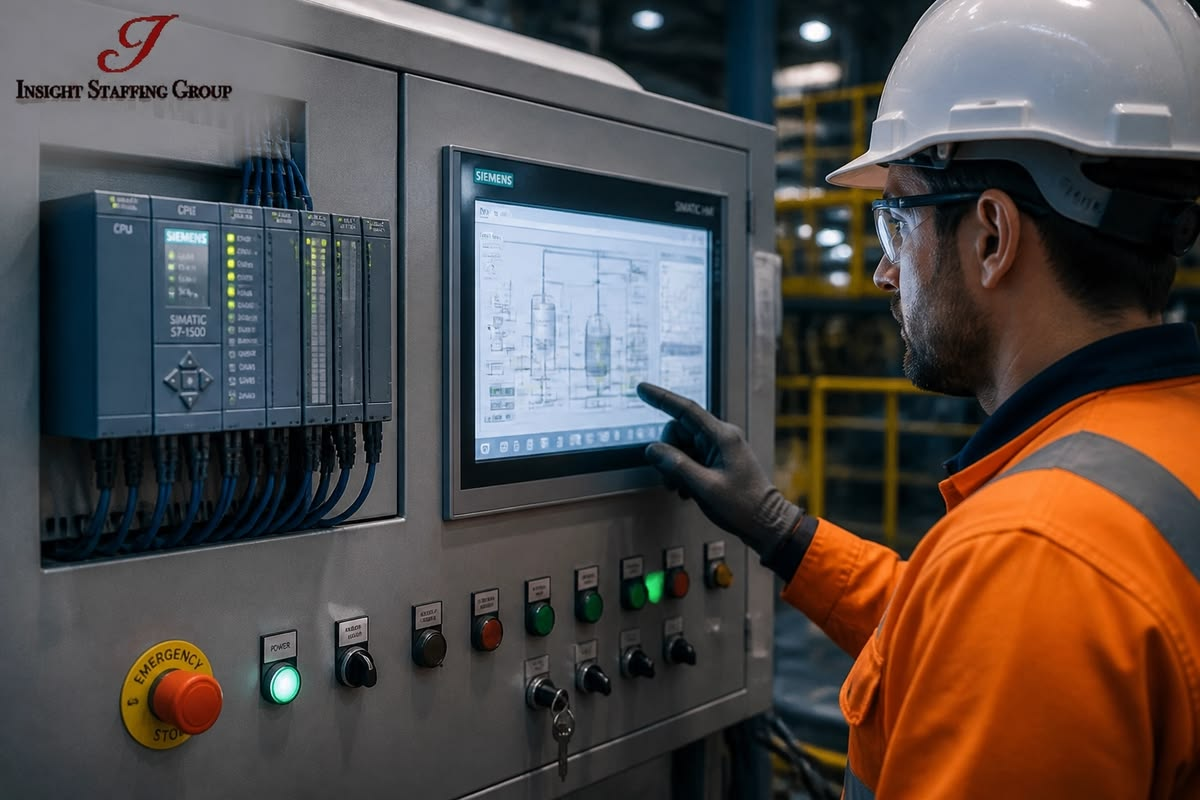
As smart manufacturing, self-service kiosks, warehouse automation, and edge control terminals scale up, the industrial Android all-in-one PC has become one of the leading alternatives to legacy PLC touch panels and Windows-based industrial computers. Unlike a consumer tablet or a standard commercial monitor, an industrial Android all-in-one has to meet strict requirements for touch accuracy, environmental sealing, wide-temperature operation, and long-term component availability — all at once. This is exactly where many projects run into trouble at the sourcing stage.
This article breaks down, from an engineering standpoint, what it actually takes to build an industrial Android all-in-one PC that keeps running for a decade, and offers practical guidance for evaluating a supplier.
Why More Projects Are Choosing Android Over Windows
Android's open ecosystem, lower licensing overhead, mature multi-touch support, and native fit with ARM-based platforms make it a strong choice for:
- Self-service kiosks and retail POS — fast boot times, low power draw, and a rich app ecosystem suited to public-facing interfaces.
- Factory MES/HMI terminals — a lighter system footprint that supports rapid deployment of purpose-built applications.
- Warehouse and logistics data-capture stations — low power consumption with fast wake from standby for extended field use.
- Smart lockers, access control, and identity verification — built-in camera support enables barcode/QR scanning for inventory tracking and access management.
That said, it's worth stating plainly: the operating system is not what decides whether an all-in-one PC survives on a production floor or outdoors. Industrial-grade hardware design does. That distinction is the real line between a consumer device and an industrial one.
1. PCAP Touch: More Than Just "It Responds to a Touch"
Projected capacitive (PCAP) touch is the standard for industrial all-in-one PCs today, but a consumer-grade PCAP implementation tends to fail once it reaches the plant floor. Operators wearing gloves, screens splashed with water or coolant, and strong electromagnetic interference from nearby motors and inverters can all cause touch drift or false triggers.
A genuinely industrial touch system needs to deliver:
- Wet-touch operation — using self-capacitance and mutual-capacitance data together to separate a real fingertip from a film of water, preventing ghost touches or blocked input.
- Glove-touch support — raised sensitivity and detection thresholds so input registers accurately even through a glove.
- 10-point multi-touch for complex gestures and multi-user interaction.
- EMI resistance — shielding layers, signal filtering, and frequency hopping in the controller to keep touch input stable in electrically noisy environments.
- Surface treatment — anti-reflective (AR), anti-fingerprint (AF), and anti-glare (AG) coatings on Mohs 7 hardness tempered glass, balancing readability with scratch resistance.
2. Optical Bonding: The Process That Decides Display Lifespan
When there's an air gap between the cover glass and the LCD, temperature swings cause condensation to collect inside the stack over time — this is one of the most common reasons industrial displays haze over and fail early.
Optical bonding fills that gap with a clear adhesive layer (such as Wacker silicone LOCA), eliminating the air gap entirely. The benefits are significant:
- No internal air layer means no condensation or dust collecting inside the display, removing the root cause of hazing and blotching.
- Fewer internal reflections improve contrast and outdoor sunlight readability.
- The bonded stack adds impact resistance and structural rigidity.
- Improved heat conduction helps the display run cooler.
High-quality optical bonding is performed in a Class 1,000 cleanroom, which prevents particulate contamination during the bonding process that would otherwise reduce yield and degrade the finished display.
3. Sealing and Wide-Temperature Operation
Industrial environments demand a level of ingress protection and thermal range that office-grade equipment was never built for. The specifications that matter most include:
- IP65 front-panel sealing to resist dust ingress and direct water jets — essential for production lines, wash-down areas, and food processing environments.
- Wide-temperature design, typically supporting a 0 °C to 60 °C operating range or wider, for outdoor kiosks and cold-chain warehouse deployments.
- Full aluminum housing for structural strength and passive heat dissipation, reducing reliance on fans and other wear parts.
- Fanless construction to keep dust out of the enclosure and support reliable 24/7 continuous operation.
4. Certifications and Quality Control: The Hidden Factor in Procurement Risk
Whether a unit keeps running for years depends far more on the supplier's quality system than on any single line in a spec sheet. When evaluating an industrial Android all-in-one PC supplier, it's worth confirming:
- Current CE, FCC, and RoHS certifications for your target market, along with company-level ISO 9001 / ISO 14001 certification.
- A documented production process that includes incoming inspection, in-process quality checks, aging/burn-in testing, and outgoing functional testing.
- Industrial-grade components with a clear long-term supply roadmap, so a mid-life component end-of-life doesn't force a costly redesign partway through your rollout.
- OEM/ODM customization capability — cover glass specification, brightness, IP rating, mounting method, and I/O configuration should all be adjustable to your application.
- Warranty terms, RMA turnaround, and how quickly engineering responds when something goes wrong — the relationship doesn't end at delivery.
What ultimately determines the success of a deployment isn't the unit price on the quote — it's the total cost of ownership: downtime, field failure rates, integration rework, and the supplier's long-term support capability, added up over the life of the deployment.
Where Industrial Android All-in-One PCs Are Deployed
- Factory HMI/MES terminals — line-side dashboards, work instructions, and production data entry.
- Self-service kiosks and retail POS — public-facing touch interfaces for banking, retail, and transit environments.
- Warehouse and logistics stations — sealed, rugged front panels built for constant handling and dusty conditions.
- Smart lockers and access control — camera-enabled scanning combined with permission management for inventory and identity verification.
- Edge compute gateways — a display and interaction node with local processing at the edge of the line.
Why KoreTouch
KoreTouch is a National High-Tech Enterprise headquartered in Shenzhen, ISO 9001 and ISO 14001 certified, with products compliant with CE, FCC, and RoHS across our core markets. Our work centers on industrial touch and display engineering, including:
- Class 1,000 cleanroom optical bonding using Wacker silicone LOCA, addressing hazing and blotching at the source.
- Tuned PCAP touch systems supporting wet-touch, glove-touch, and 10-point multi-touch, with sensor and controller settings adapted to each project's cover glass thickness and electrical environment.
- IP65 front-panel sealing and wide-temperature enclosure design built for continuous 24/7 operation.
- Full OEM/ODM customization — our team develops an integration concept directly from your project requirements, covering cover glass, brightness, IP rating, and I/O, without needing initial technical drawings from you.
- Multi-stage quality control, including incoming inspection, in-process checks, and aging/burn-in testing, to ensure consistency across volume production.
Whether you're specifying an HMI terminal for a production line, or sourcing an industrial Android all-in-one PC for retail, warehouse, or smart-locker applications, we can recommend a configuration based on your actual deployment conditions — touch mode, IP rating, electrical environment, and mounting method.
Work with KoreTouch
Contact the KoreTouch team for product recommendations, custom configurations, or a sample quote at sales@koretouch.com. See Android Industrial Panel PCs, Industrial All-in-One PCs, and Optical Bonding.