Engineering Excellence
How You Should Buy the Best Monitor: A Guide to PC Touch Panels in Control and Monitoring Systems
Across automated production lines, power and utility control rooms, rail transit, medical equipment, and smart buildings, the HMI at the heart of a control and monitoring system almost always relies on an industrial-grade touch panel monitor.
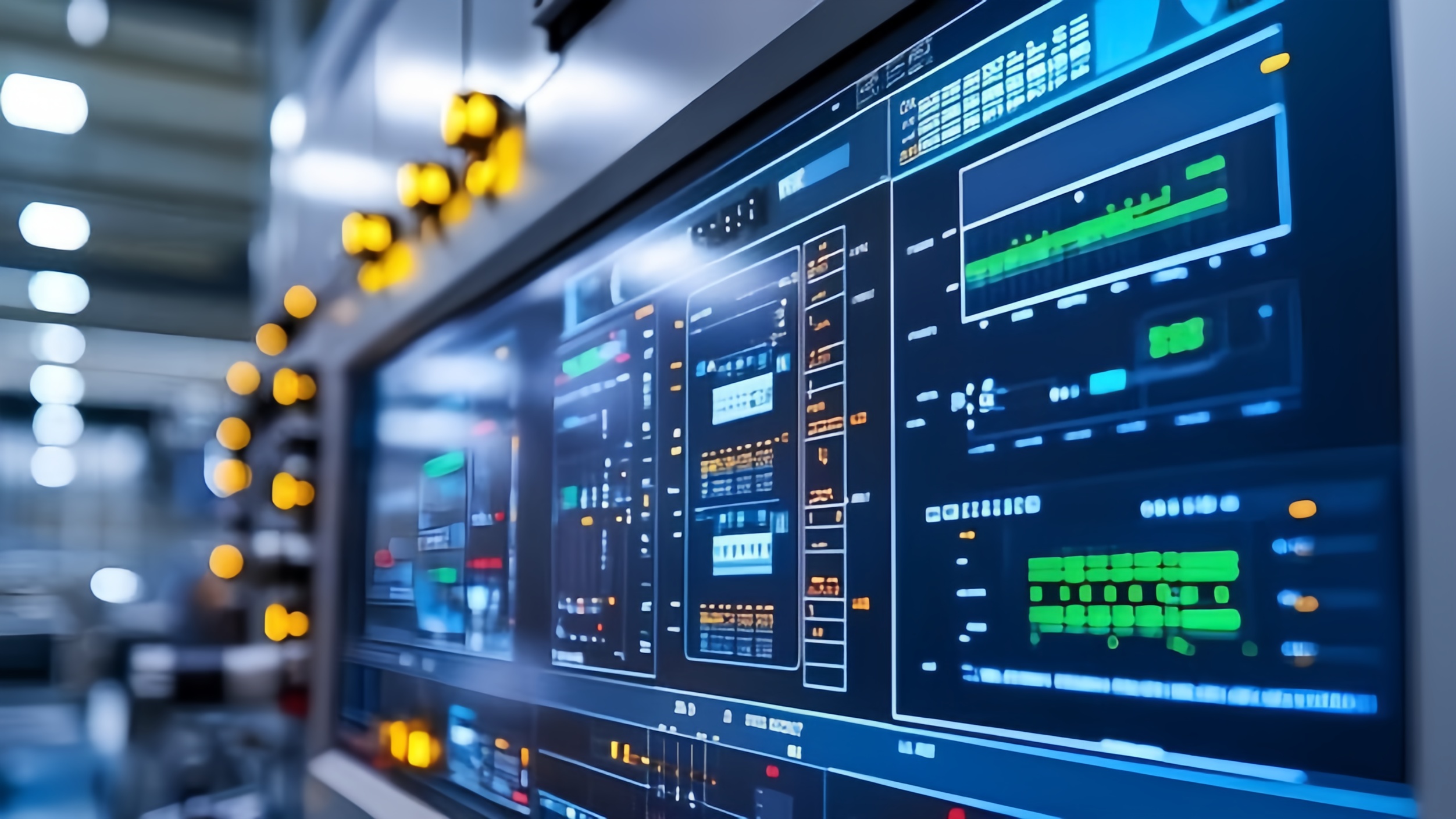
Across automated production lines, power and utility control rooms, rail transit, medical equipment, and smart buildings, the human-machine interface (HMI) at the heart of a control and monitoring system almost always relies on an industrial-grade touch panel Monitor. It is the operator's entry point for issuing commands, and the first place where equipment status, alarms, and production data become visible. Yet the Monitor category spans an enormous range, from consumer-grade touch displays to purpose-built industrial panel PCs, with prices and service life that can differ by several multiples. Choosing a Monitor based on screen size and price alone often means facing touch drift, internal fogging, or a full system lockup within six months of deployment.
This article walks through the technical principles and procurement logic that matter when specifying a PC touch panel Monitor for a control and monitoring system, drawing on the engineering practices of industrial touch display manufacturer KoreTouch, and closes with a checklist you can take directly into a quoting conversation.
Why an Ordinary Monitor Can't Survive the Plant Floor
A production line or equipment room is one of the harshest environments a display will ever face: dust, oil, coolant, washdown chemicals, electromagnetic noise from motors and drives, constant vibration, day-to-night temperature swings, and operation that never really stops. None of this is what a consumer-grade display was ever designed to handle.
A genuinely industrial-grade Monitor needs to give a clear answer to each of the following failure modes:
- The air gap between the cover glass and the LCD. In a conventional touchscreen, an air layer sits between the touch glass and the display panel. Ambient humidity condenses there, dust settles there, and over time the screen develops hazy patches and eventually display failure.
- Touch drift under electromagnetic interference. Motors, variable-frequency drives, and welding equipment flood a plant with electrical noise, and a poorly engineered touch system responds with accuracy drift or phantom touches that fire without anyone touching the screen.
- Sealing that doesn't match the environment. When the front-panel protection rating isn't matched to actual washdown, splash, or airborne dust conditions, contaminants find their way in through the bezel.
- Consumer-grade internal components. Commercial-grade parts and fans were never built for continuous load or wide temperature ranges. They collect dust, run hot, and fail early in duty cycles they weren't designed for.
None of these problems can be solved with a single parameter. They require the cover glass, touch sensor, optical stack, enclosure sealing, and compute platform to be engineered together as one system. That integration, more than any single spec, is what actually separates an industrial Monitor from an ordinary display.
1. Touch Technology: How Well Does PCAP Hold Up in the Field?
Most industrial Monitors today use projected capacitive (PCAP) touch. A transparent grid of electrodes, typically ITO or a metal mesh, sits beneath the cover glass. The controller continuously scans the grid for changes in capacitance to calculate touch coordinates, which is what makes multi-touch gestures possible.
What actually determines whether PCAP touch holds up on a plant floor is how the controller combines two types of capacitance measurement. Self capacitance is more sensitive and helps detect the weaker signal of a gloved finger; mutual capacitance delivers precise, independent multi-touch positioning and better discrimination between a real touch and a false one. Only by reading both together can a controller reliably tell a fingertip apart from a film of water or a hand in a work glove.
When specifying a Monitor for a control system, it's worth pinning down the following touch requirements up front and asking your supplier to confirm each one:
- Whether false-touch rejection in wet or humid conditions is required
- Whether glove-touch operation is required
- Cover glass thickness and strengthening type, which directly affects field tuning
- The strength of the electrical environment on site, which determines shielding and filtering strategy
- Front-panel protection (IP) rating
- Number of simultaneous touch points and any gesture requirements
KoreTouch's industrial Monitor lineup is engineered specifically around these conditions: 10-point capacitive multi-touch with support for both wet-touch and glove-touch operation, tempered cover glass available with AR (anti-reflective), AF (anti-fingerprint), and AG (anti-glare) surface treatment, and a Mohs 7 hardness rating that resists the scratching and glare typical of plant-floor use.
2. Optical Bonding: The Hidden Process That Determines Service Life
If the touch controller decides whether a Monitor works, optical bonding decides how long it keeps working. Filling the air gap between the cover glass and the LCD with a clear adhesive eliminates internal reflections, blocks moisture and dust from ever reaching the inside of the stack, improves impact resistance, and helps conduct heat away from the panel.
KoreTouch performs optical bonding in a Class 1,000 cleanroom using WACKER silicone liquid optically clear adhesive (LOCA), which is a key reason its industrial panel PCs stay clear, fog-free, and free of yellowing over years of service in humid or dusty environments. For any Monitor destined for a damp workshop, an outdoor enclosure, or a hot equipment room, optical bonding should be treated as close to non-negotiable, not as an optional upgrade.
3. Sealing and Wide-Temperature Design
Take KoreTouch's 15.6-inch Windows industrial panel PC, the STI-156CTPCW-Win, as an example. Its front face carries an IP65 rating against dust and water jets, with IP40 protection at the rear, and the housing is aluminum for both structural strength and heat dissipation. The unit is engineered for continuous 24/7 operation across a 0 to 60 °C operating range, with 500 cd/m² brightness as standard and up to 1,500 cd/m² available for bright or outdoor installations. This is the combination of specifications that actually lets a Monitor run for years in a control room, on a production floor, or in an outdoor cabinet without frequent maintenance calls.
4. Connectivity and Compatibility: Don't Get Distracted by "Full HD"
In a control and monitoring system, a Monitor rarely operates in isolation. It has to talk to PLCs, barcode and label equipment, scanners, and a wide range of field sensors. Many modern devices have dropped serial ports entirely, but a great deal of equipment already installed on plant floors still communicates over RS232. A Monitor genuinely designed for industrial use should pair HDMI, VGA, USB, gigabit Ethernet, and Wi-Fi with retained dual RS232 COM ports — keeping legacy serial connectivity is what lets new equipment slot into an existing line without forcing extra adapters or introducing new points of failure.
Processor and operating system flexibility matter just as much. A platform that scales from an entry-level Celeron up through Core i3, i5, and i7, and that supports everything from Windows 7 through Windows 11 as well as Linux, can run software that's been validated on plant floors for years without forcing a rewrite just because the display hardware changed.
Beyond the Spec Sheet: Five Things That Actually Decide a Successful Purchase
Resolution, brightness, and port count are easy to compare on paper. What actually determines whether a Monitor rollout succeeds is everything the spec sheet doesn't show: whether the units keep running for years, whether the supplier genuinely stands behind them, and what the deployment costs once every hidden expense is added up.
Are the certifications complete, and do they cover the exact model?
CE (Low Voltage and EMC directives for Europe), FCC (electromagnetic compatibility for North America), RoHS (restriction of hazardous substances), and ISO 9001 (quality management systems) are the baseline filter for whether a supplier takes compliance seriously. Ask for the actual certificates for the specific model you're buying, and confirm they're current. KoreTouch is ISO 9001 and ISO 14001 certified, holds CE, FCC, and RoHS compliance, and is recognized as a National High-Tech Enterprise.
Is the quality control process complete?
Incoming inspection, in-process checks, aging and burn-in testing, and outgoing functional testing are four stages that all matter. Burn-in testing in particular surfaces early-life failures before a unit ever reaches the field — critical for a Monitor that has to run unattended for long stretches in a control system.
Are the components genuinely industrial-grade, with long-term availability?
Consumer-grade parts have a much shorter service life under industrial loads and wide temperature swings than industrial-grade components. It's equally important to confirm the supplier has lifecycle management in place, so a key component going end-of-life mid-project doesn't force a costly redesign.
What do support and warranty actually cover?
Delivery isn't the end of the relationship. Warranty period and coverage, RMA turnaround time, and spare parts availability should all be confirmed before you buy — the downtime cost of a slow support response almost always outweighs whatever was saved on unit price.
What is the supplier's customization and OEM/ODM capability?
A standard product rarely fits every industrial application exactly. Whether a supplier can adjust cover glass, brightness, IP rating, mounting, and I/O to your requirements, and whether they can build an integration concept directly from your project requirements without needing initial technical drawings first, is usually the clearest signal of real engineering depth. KoreTouch's team works this way, applying in-house capabilities such as Class 1,000 cleanroom optical bonding to deliver a Monitor tuned to the specific deployment.
What ultimately decides whether a purchase pays off is never the unit price alone — it's the total cost of ownership (TCO) across the deployment's life, once downtime, failure replacement, integration rework, support burden, and the risk of a mid-rollout redesign are all factored in. A slightly higher unit price backed by industrial reliability, complete certification, and long-term support is almost always the better outcome over a multi-year deployment.
A Procurement Checklist for Control and Monitoring System Projects
Before requesting quotes, it's worth working through this list with each supplier:
- Can you provide current certificates (CE, FCC, RoHS, and anything else required for my target market) that cover this exact model?
- Does your quality control process include aging or burn-in testing, and is it standard or optional?
- Are the core components industrial-grade, and how do you manage end-of-life and long-term availability?
- What is the warranty period, what does it cover, and what is the typical RMA turnaround?
- Can you customize cover glass, brightness, IP rating, I/O, and mounting, and what's the minimum order quantity?
- Can you share reference deployments or field reliability data from similar applications?
- What's the typical lead time from sample to volume production?
Bringing this checklist into a quoting conversation tends to separate suppliers with real industrial engineering capability from those simply competing on a spec sheet and a price tag.
Final Thoughts
In a control and monitoring system, a PC touch panel Monitor is never just a screen that displays and responds to touch. It's the most direct interface between an operator and the entire line, and its reliability has a direct bearing on downtime, maintenance cost, and operational safety. Rather than focusing on resolution and price alone, it pays to evaluate PCAP touch performance under wet and gloved conditions, optical bonding, sealing and wide-temperature design, connectivity, and the supplier's certifications, quality process, support capability, and total cost of ownership as one integrated framework.
KoreTouch specializes in industrial touch display technology, offering Android and Windows industrial panel PCs, capacitive industrial Monitors, and bar-type LCD displays built for control and monitoring systems. With in-house Class 1,000 cleanroom optical bonding and the ability to build custom optical and mechanical designs around your project requirements, the team is ready to help you specify the right Monitor for the job.
Work with KoreTouch
Whether you're selecting a Monitor for a line-side HMI, a self-service kiosk, a warehouse workstation, or an edge gateway, reach out to sales@koretouch.com with your technical requirements, deployment environment, and certification needs. See also Industrial Monitors, Industrial All-in-One PCs, and Optical Bonding.