Technical Deep Dive
Commercial vs Industrial Display: What's the Difference?
At a glance, a commercial display and an industrial display can look almost identical — both are flat panels with a bezel, a backlight, and maybe a touch layer on top.
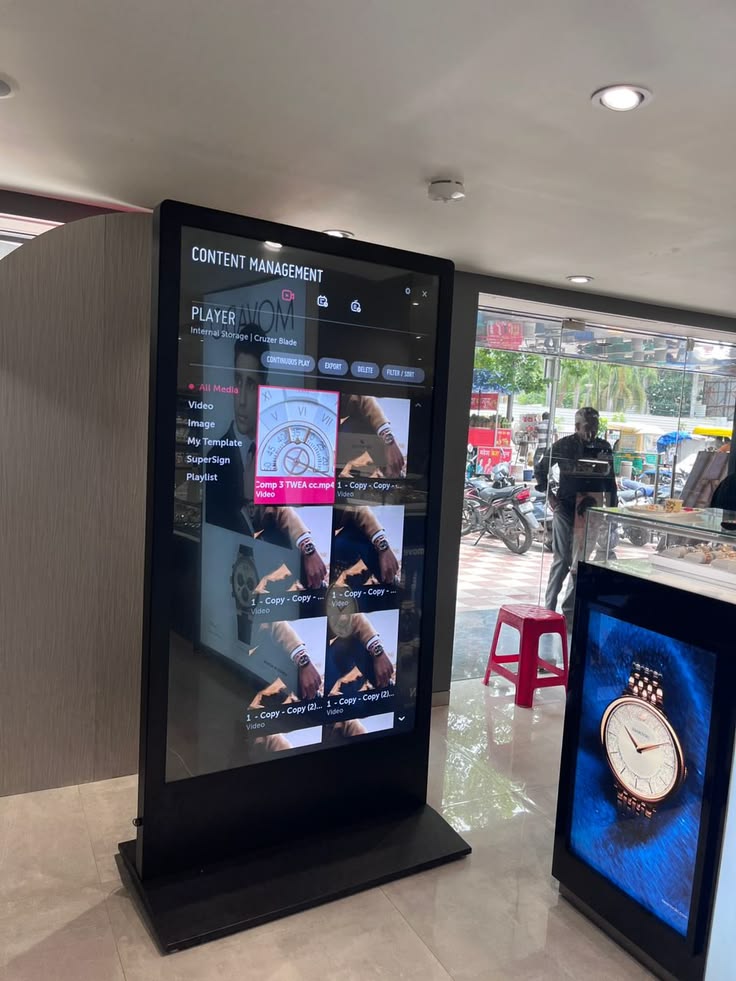
At a glance, a commercial display and an industrial display can look almost identical — both are flat panels with a bezel, a backlight, and maybe a touch layer on top. But put a commercial-grade screen on a factory floor, next to a welder or a wash-down line, and the difference shows up fast: dimming backlights, ghost touches, condensation inside the glass, and a unit that needs replacing in eighteen months instead of running for a decade. Understanding what actually separates a commercial display from an industrial display is the difference between a rollout that quietly works for years and one that turns into a recurring maintenance bill.
This article breaks down what each category really means, where the engineering diverges, and how to decide which one your application needs.
What Is a Commercial Display?
A commercial display is built for controlled, indoor, human-supervised environments — retail signage, office meeting rooms, restaurant menu boards, hotel lobbies. The design priorities are cost, resolution, and visual polish, because the operating conditions are forgiving: stable room temperature, no vibration, no chemical exposure, and someone nearby if something goes wrong. Commercial panels typically run on consumer-grade components, standard (non-tempered or thinly tempered) cover glass, and an air-gap assembly between the glass and the LCD, which is fine indoors but becomes a liability the moment conditions get harsher.
What Is an Industrial Display?
An industrial display is engineered for environments where a commercial panel would fail: production lines, control rooms, outdoor kiosks, medical carts, warehouses, and any setting with dust, moisture, vibration, temperature swings, or electrical noise from motors and drives. Every layer of the unit — the cover glass, the touch sensor, the bonding, the enclosure, and the electronics — is chosen and tested for continuous duty under stress the commercial category was never designed to survive.
Where the Two Actually Diverge
| Factor | Commercial Display | Industrial Display |
|---|---|---|
| Operating temperature | Narrow range, ~0–40 °C | Wide temperature range, often −20–60 °C or wider |
| Enclosure | Light housing, minimal sealing | Sealed, rugged metal chassis, IP-rated front face |
| Cover glass | Standard glass, thinner | Tempered glass, Mohs 7 hardness, often chemically strengthened |
| Touch performance | Bare-finger only | 10-point multi-touch with wet-touch and glove-touch support |
| Internal assembly | Air-gapped glass-to-LCD | Optically bonded, no air gap for moisture/dust ingress |
| EMI resistance | Not engineered for it | Shielding, signal filtering, frequency hopping |
| Lifespan / duty cycle | Designed for intermittent, supervised use | Designed for continuous, 24/7 operation over years |
| Certifications | Basic consumer compliance | CE, FCC, RoHS, and often CCC / UL, backed by ISO 9001 |
| Mounting | Fixed, indoor-only | VESA, panel-mount, open-frame, embedded options |
Why the Touch Layer Is Where Industrial Displays Earn Their Keep
The touchscreen is usually where a commercial panel fails first in the field. Projected capacitive (PCAP) touch works by sensing tiny changes in an electrostatic field as a finger approaches the glass — and that same sensitivity is what makes water, gloves, and electrical noise so disruptive if the controller isn't tuned for them.
A properly engineered industrial display reads both self capacitance (sensitive enough to pick up a gloved hand) and mutual capacitance (precise enough to separate a real touch from a film of water) to hold a stable, accurate response under conditions that would produce ghost touches or dead zones on a consumer-grade panel. That is why an industrial touch stack is specified as a matched system — cover glass thickness, sensor, and controller tuned together — rather than assembled from generic parts.
Optical bonding is the other quiet differentiator. Filling the air gap between the cover glass and the LCD with an optical adhesive eliminates internal reflections for better sunlight readability, and just as importantly, it seals out the moisture and dust that would otherwise collect inside an air-gapped commercial display over time. It is a small construction detail with an outsized effect on how long a unit actually survives in the field.
Choosing Between Commercial and Industrial: The Real Question
The decision usually comes down to one question: what happens if this screen fails? If a lobby sign goes dark for a day, it's an inconvenience. If a control-room HMI or a production-line panel PC goes down, it can stop a line, cost far more in downtime than the unit was ever worth, or create a safety issue. As a rule of thumb:
- Choose commercial for indoor, climate-controlled, low-stress environments where downtime is a minor inconvenience.
- Choose industrial for anywhere with dust, moisture, vibration, temperature extremes, electrical noise, gloved operators, or a requirement for years of unattended, continuous operation.
It's also worth evaluating total cost of ownership rather than sticker price alone. A commercial panel might cost less upfront, but field failures, downtime, and early replacement in a harsh environment typically cost far more over a multi-year deployment than paying for industrial-grade construction from the start.
What to Look for in an Industrial Display Supplier
Beyond the spec sheet, a few things separate a supplier who can actually deliver years of reliable uptime from one who can't:
- Documented certifications — CE, FCC, RoHS, and a company-level ISO 9001 quality system, with certificates covering your exact product.
- Real quality control — incoming inspection, in-process checks, and aging/burn-in testing that catches early-life failures before they reach you.
- Component longevity and lifecycle management — industrial-grade, wide-temperature components, and a plan for what happens when a part goes end-of-life mid-rollout.
- Customization and OEM/ODM depth — the ability to adapt cover glass, brightness, IP rating, I/O, and touch configuration to your specific application, not just sell off-the-shelf.
- Support and warranty — a clear RMA process, spare-parts availability, and engineering that responds quickly when something goes wrong.
How KoreTouch Builds Industrial Displays
KoreTouch is an ISO 9001 and ISO 14001 certified National High-Tech Enterprise, headquartered in Shenzhen, focused specifically on industrial-grade displays and panel PCs. Our panels are built with tempered glass rated to Mohs 7 hardness, 10-point PCAP multi-touch with wet-touch and glove-touch support, and optional AR, AF, and AG surface treatments for readability and durability in demanding environments. Every unit can be optically bonded in a Class 1,000 cleanroom using Wacker silicone LOCA, removing the air gap that lets moisture and dust compromise commercial-grade panels over time.
Because industrial deployments rarely fit an off-the-shelf spec, our team works directly from your project requirements — adapting cover glass, brightness, IP rating, mounting, I/O, and touch configuration to the exact conditions your display will face, without needing a finished technical drawing to start the conversation.
Work with KoreTouch
If you're specifying a display for a production line, control room, outdoor kiosk, or any environment where a commercial-grade panel won't hold up, we'd like to help you get the specification right the first time. See Industrial Monitors and Optical Bonding, or reach out at sales@koretouch.com.