Product Engineering
What Is a PC Monitor? Touch Panel PCs in Control and Monitoring Systems
Walk into a control room at an automated factory, a power substation, a warehouse, or a transportation hub, and the "screen" you see is no longer just a piece of glass showing an image.
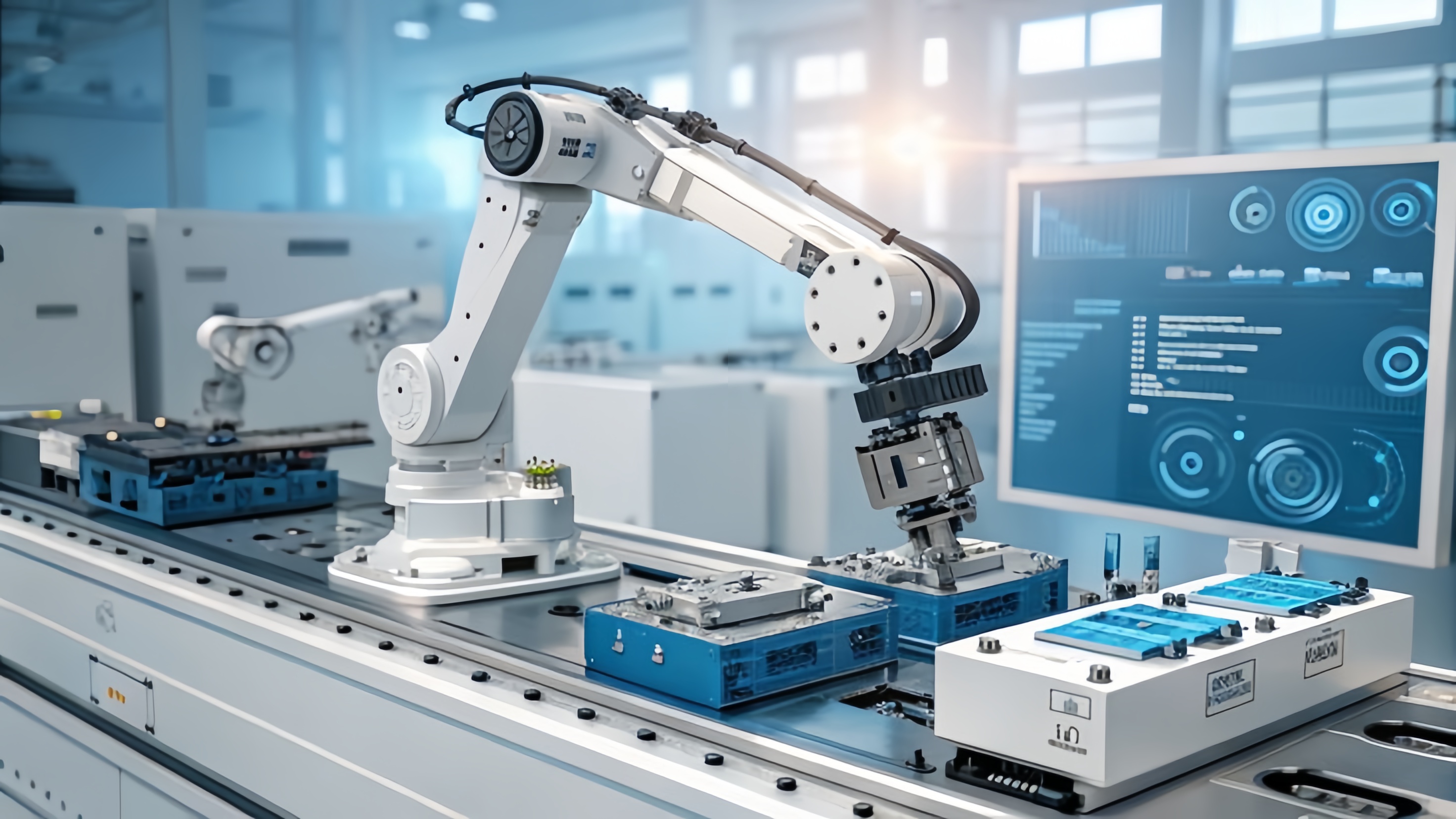
Walk into a control room at an automated factory, a power substation, a warehouse, or a transportation hub, and the "screen" you see is no longer just a piece of glass showing an image. It is the interface between the operator and the machine, the point where data, alarms, and commands all flow through. To understand why touch panel PCs have become the standard for industrial applications today, it helps to start with a basic question: what is a PC monitor?
1. What Is a PC Monitor, Exactly?
A PC monitor is a display device connected to a computer through an interface such as HDMI, VGA, or DisplayPort, used to output visual information. In its traditional form, a monitor's job is limited to displaying an image: it receives a video signal from the host computer and converts it into something visible, without any computing power of its own.
Outside the office, however, and especially inside control and monitoring systems, the meaning of "monitor" is being redefined. When a display is integrated with an industrial-grade computing board, a touch sensor, and a sealed enclosure, the result is what the industry calls a touch panel PC — a device that is simultaneously the monitor, the host computer, and the only piece of glass the operator ever needs to touch.
2. From Display to Touch Panel PC: Why Control Systems Need It
In a conventional setup, a control system is built from separate components: a computer chassis, a monitor, a keyboard, and a mouse. That works fine in an office. It breaks down quickly on a production line, inside a control cabinet, or next to outdoor equipment, for a few practical reasons:
- Limited space. Control cabinets have little room to spare for a separate host computer, a monitor, and the cabling between them.
- Harsh conditions. Dust, oil, moisture, and electromagnetic interference degrade consumer-grade hardware and fans over time.
- Different interaction needs. Operators wearing gloves need to tap directly on a screen to change settings, acknowledge alarms, or enter data. A keyboard and mouse become an obstacle rather than a convenience.
The panel PC exists to solve exactly this problem: it combines an industrial-grade computer with a display in a single unit that can be mounted anywhere a display alone could be mounted, eliminating the need to find separate space for the computer itself. This is why, inside control and monitoring systems, the roles of "monitor" and "control terminal" are increasingly merging into one screen.
3. Industrial Touchscreens vs. Consumer Monitors: A Real Engineering Gap
A common first reaction to industrial touch panels is: isn't this just a monitor with touch added? The answer is no — what actually determines whether a touch panel can run reliably in the field for years is the touch-sensing technology and the engineering of the entire optical stack behind it.
Take projected capacitive touch (PCAP), the dominant technology today. Beneath the cover glass sits a transparent grid of conductive electrodes, typically indium tin oxide (ITO) or a metal mesh, continuously driven to project a small electrostatic field. When a finger approaches, it draws off a small amount of charge and changes the capacitance at the nearest electrode nodes, letting the controller calculate the touch coordinates. This is the same underlying principle behind every smartphone touchscreen. Making it hold up in a wet, gloved, electrically noisy plant environment, though, is an entirely different engineering challenge:
- Wet-touch operation. A water film produces a broad, diffuse capacitance change, while a real touch is localized and finger-shaped. An industrial controller reads self-capacitance and mutual-capacitance data together to tell the two apart, rejecting water so a splash or a wet wipe-down does not trigger a ghost touch or block real input.
- Glove touch. A glove adds distance between the finger and the glass, weakening the capacitive coupling. Industrial firmware raises sensitivity and adjusts the detection threshold so a gloved hand still registers accurately.
- Thick or toughened cover glass. Public and industrial installations often need thicker or chemically strengthened glass for impact resistance. This means the electrode field, sensor, and controller all need to be tuned together as one matched system, rather than simply attaching a generic touch module to the glass.
- EMI resistance. Motors, drives, and welding equipment fill a plant floor with electrical noise. Industrial designs counter this with shielding layers, signal filtering, and frequency hopping in the controller, keeping the touch signal clean under interference that would cause jitter or phantom touches on a consumer panel.
Beyond the touch layer, optical bonding is another factor that determines how long a display actually lasts in the field. Filling the air gap between the cover glass and the LCD with a clear adhesive removes internal reflections, improves outdoor readability, and — just as importantly — keeps moisture from condensing and dust from settling inside the stack. That trapped air gap is precisely why so many ordinary monitors eventually go hazy or develop internal spotting.
4. What Control and Monitoring Systems Actually Require from a PC Touch Panel
On a real production line or in a real control room, a touch panel monitor needs to satisfy several requirements at once:
- Sealing and ingress protection. The front bezel typically needs an IP65 rating to withstand washdown, splashes, and airborne dust, while the rear housing is rated to match the mounting method.
- Continuous operation and wide temperature range. Unlike an office monitor that is switched on and off intermittently, a plant-floor terminal often runs 24/7 and needs to hold up across a wide temperature range, which calls for fanless thermal design and an aluminum housing to move heat away without pulling in dust.
- Compatibility over novelty. It's easy to assume industrial equipment should ship with the newest interfaces available. In practice, the opposite is often true: PLCs, barcode scanners, and weighing instruments still commonly rely on RS232 serial ports. Retaining serial connectivity alongside HDMI, VGA, gigabit Ethernet, Wi-Fi, and Bluetooth is what lets a new terminal slot into an existing line without forcing awkward adapters.
- Scalable compute. A processor range spanning entry-level Celeron through Core i3, i5, and i7, combined with OS support from Windows 7 through Windows 11 and Linux, lets the same hardware platform run a lightweight dashboard or a full MES/SCADA application — and, just as importantly, continue running legacy software validated years earlier.
- Readability. Standard brightness is typically around 500 cd/m², with high-brightness options up to 1,500 cd/m² for bright or outdoor environments, paired with anti-reflective (AR), anti-fingerprint (AF), and anti-glare (AG) surface treatments and Mohs 7 hardness glass for scratch resistance.
5. KoreTouch: Engineering the PC Monitor and the Touch System as One
At KoreTouch, we don't treat an industrial touch panel as simply "a monitor with touch added." We engineer the cover glass, the optical bonding layer, the PCAP touch sensor, and the LCD as one coordinated system that has to be tuned together.
Our 15.6-inch Windows industrial panel PC, the STI-156CTPCW-Win, is a good example of what control and monitoring systems actually need from a PC touch panel:
- 10-point PCAP multi-touch with wet-touch and glove-touch support, on tempered glass with optional AR, AF, and AG surface treatment and Mohs 7 hardness.
- Optional optical bonding, applied with Wacker silicone LOCA in a Class 1,000 cleanroom, to eliminate internal reflections, block moisture and dust, and add impact resistance.
- IP65 front / IP40 rear protection, in an aluminum housing built for continuous operation across a 0–60 °C range.
- Full I/O for real plant equipment: HDMI, VGA, 4× USB, gigabit Ethernet, Wi-Fi, Bluetooth, and two RS232 COM ports for PLCs, barcode scanners, and label printers.
- Scalable processor and OS options: standard Intel Celeron J6412, upgradable to Core i3 / i5 / i7, running Windows 7 / 8 / 10 / 11 or Linux.
- 500 cd/m² standard brightness, with an option up to 1,500 cd/m² for high-glare environments.
This same engineering philosophy runs through the rest of the KoreTouch product line — from capacitive industrial touch monitors and ultra-wide bar-type displays to custom panel PCs built for factory HMIs, self-service kiosks, warehouse stations, and edge gateways. Our position is straightforward: touch behavior has to be tuned to the specific cover glass, sealing method, and electrical environment of each deployment — not built around a generic, one-size-fits-all specification. Our team can translate your project requirements — I/O, cover glass, IP rating, certifications — directly into an optimized optical and mechanical design, without requiring technical drawings up front.
6. Final Thoughts
The path from a simple, image-only PC monitor to today's touch panel PC — with computing, display, touch sensing, and environmental protection built into a single sealed unit — reflects a real shift in what control and monitoring systems demand from a human-machine interface: something rugged, precise, and built around how people actually work on a plant floor. When evaluating suppliers, the datasheet numbers matter less than the engineering behind them — specifically, whether those numbers reflect real tuning for field conditions or just a generic spec sheet.
If you're selecting a PC touch panel or industrial monitor for a factory HMI, self-service kiosk, warehouse workstation, or edge control node, reach out to the KoreTouch team. We can provide end-to-end engineering support — from optical structure and touch tuning to full unit customization — matched to your specific application.
Work with KoreTouch
See Industrial All-in-One PCs, Industrial Monitors, and the 15.6-inch Windows panel PC. Contact us at sales@koretouch.com.
We'd welcome the chance to learn about your project and help you find a PC monitor solution built to hold up in the field.